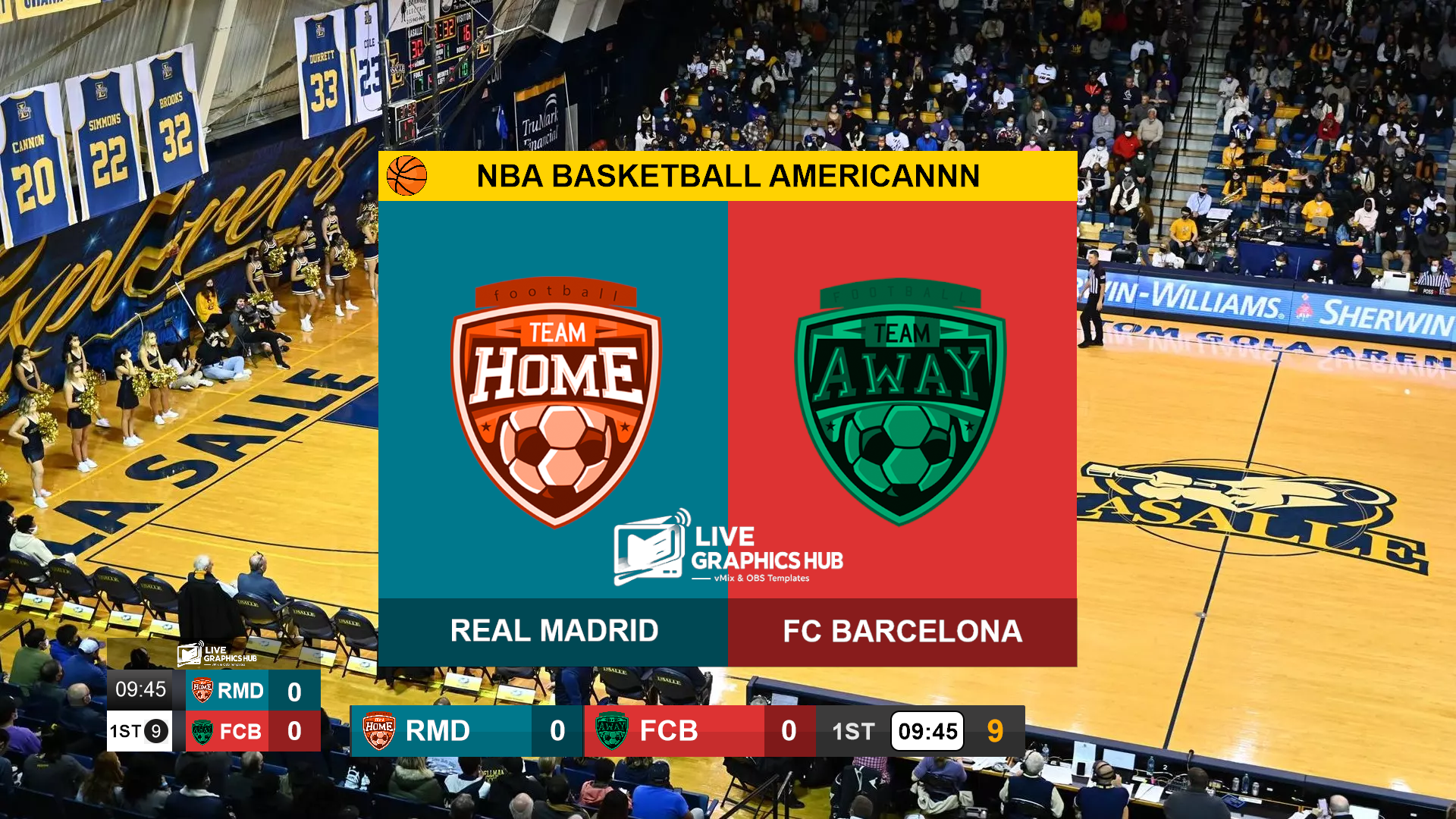
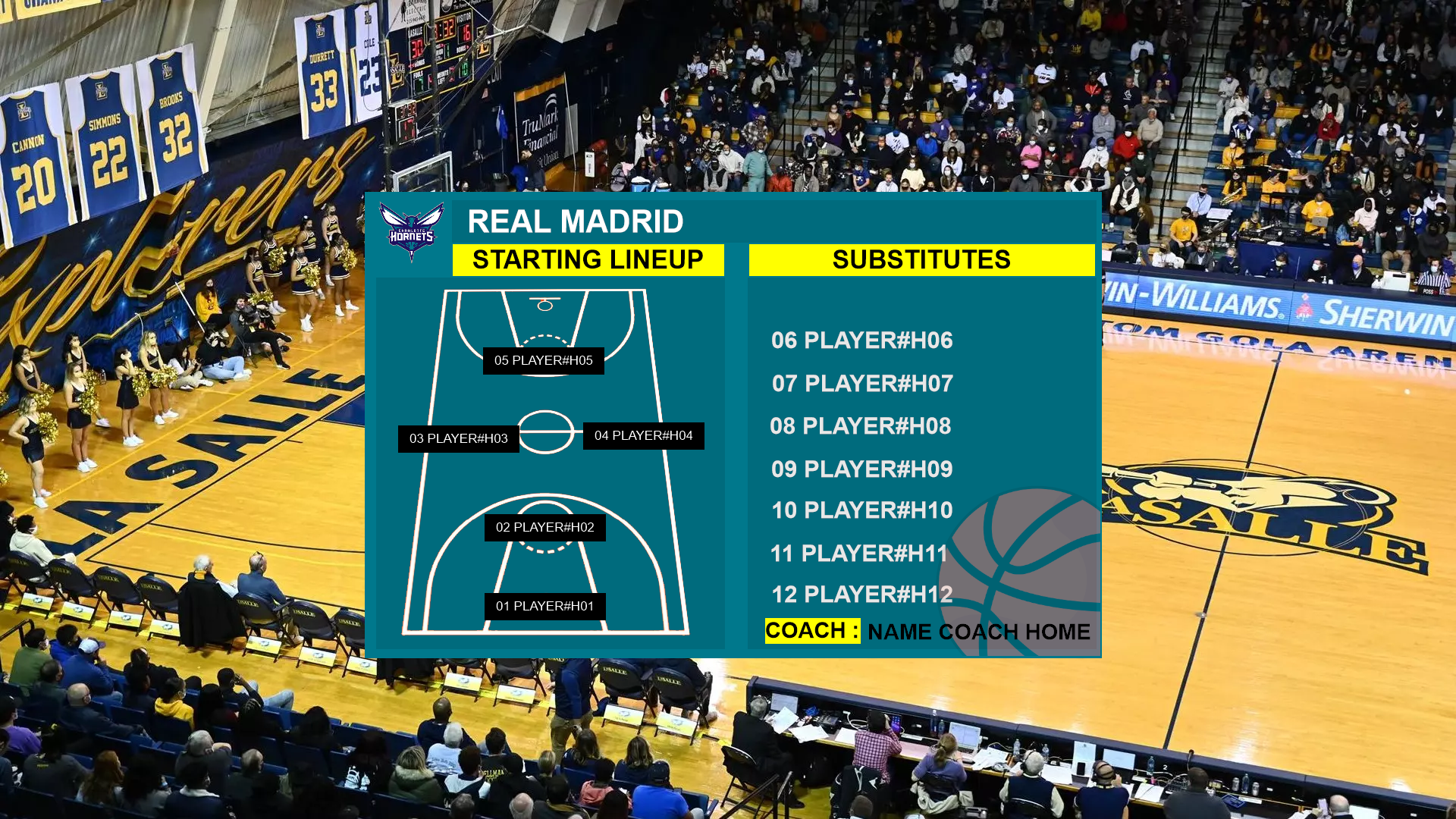
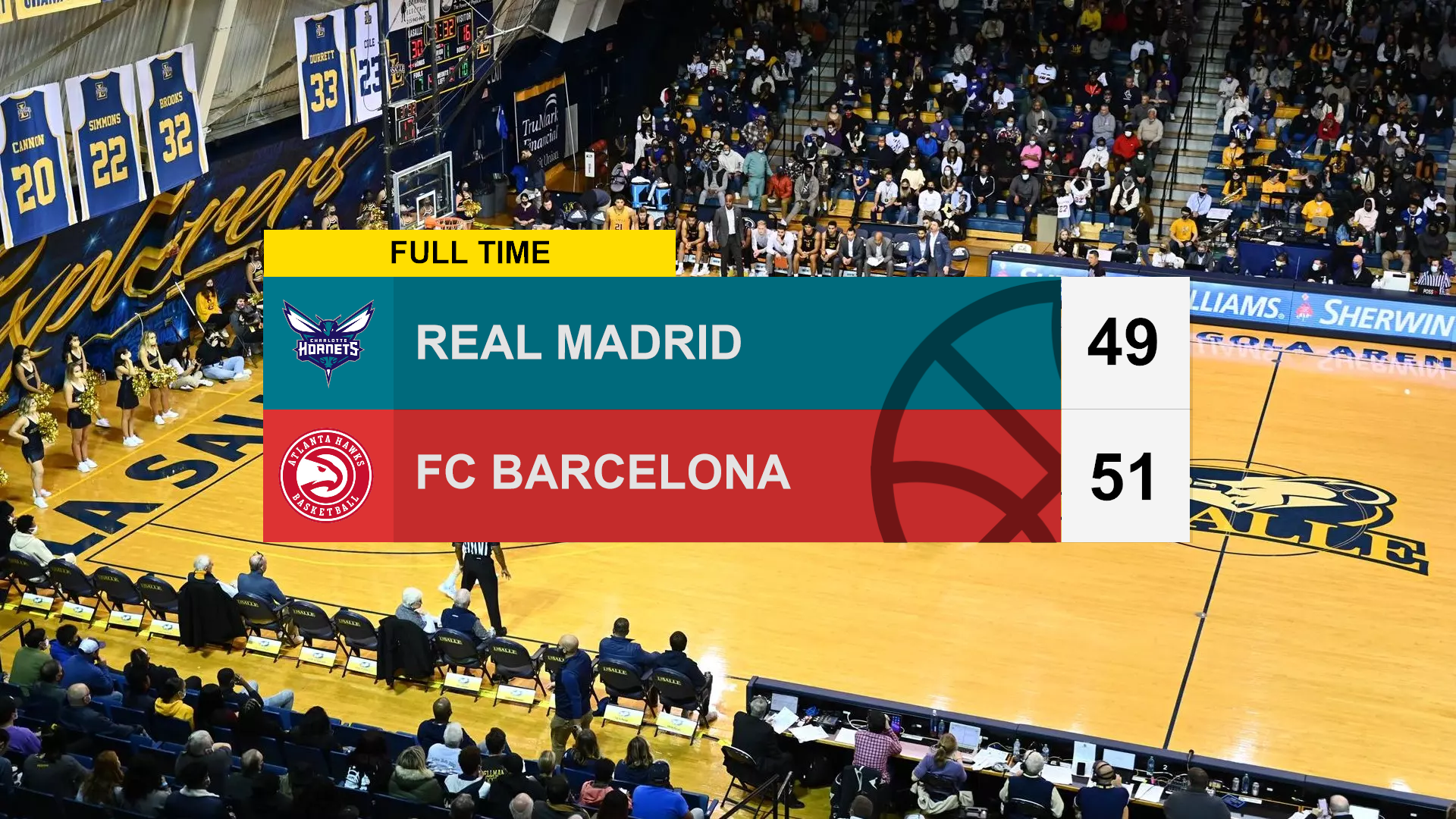
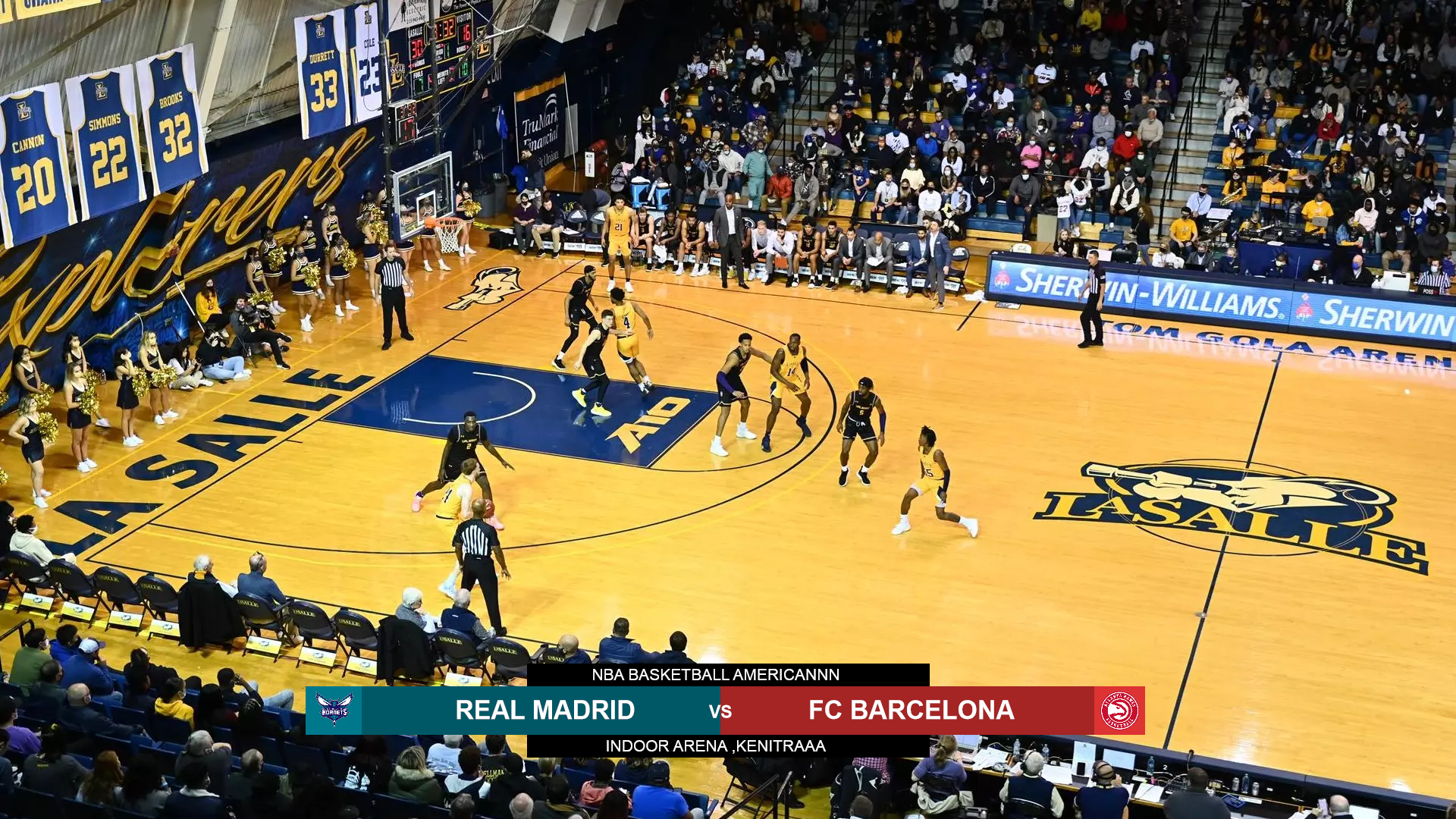
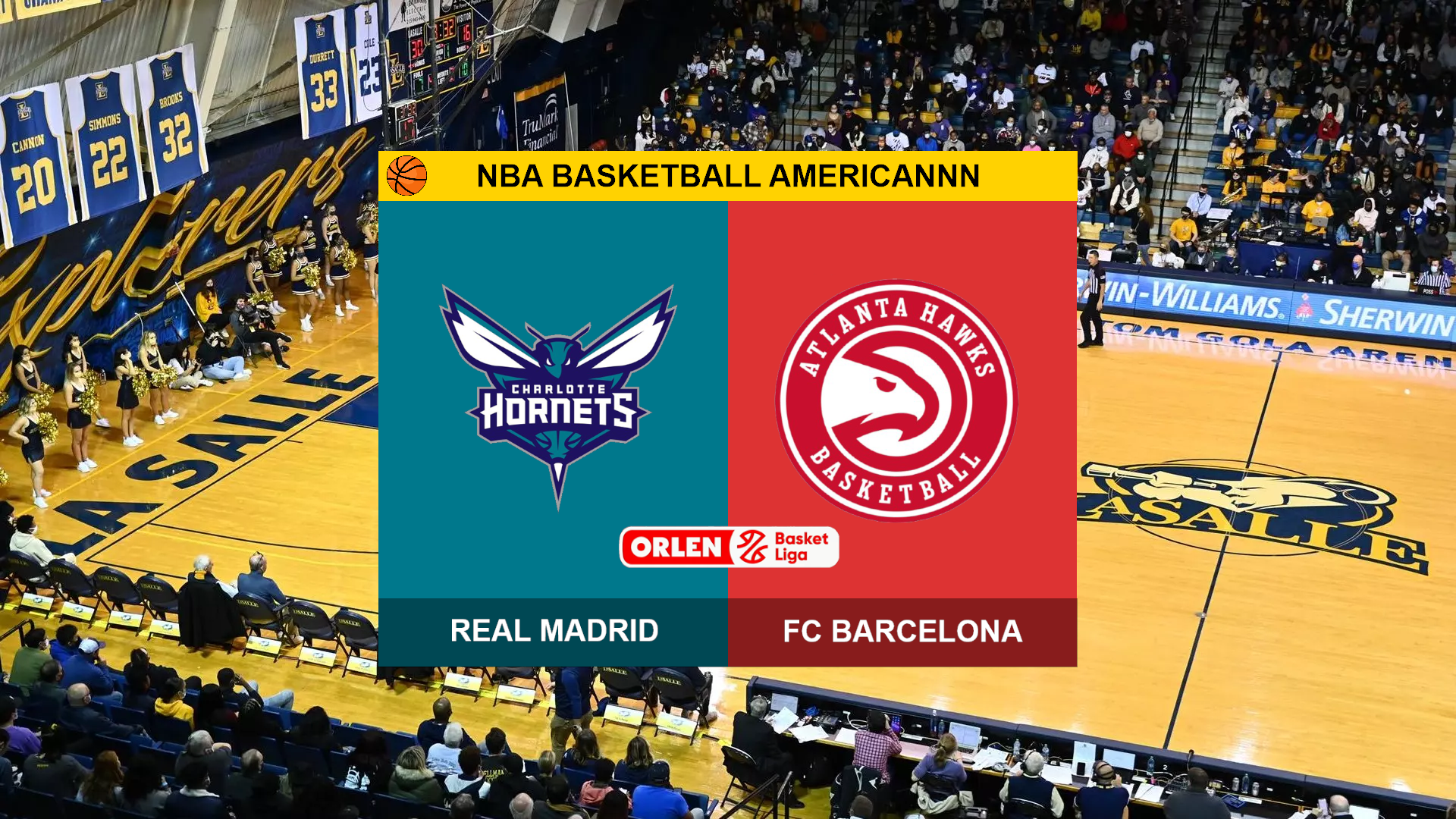
Take your basketball live streams to professional broadcast standards! A complete, OBS-ready graphics package designed specifically for basketball, featuring an intuitive control panel to update scores, shot clocks, fouls, e without hassle.
Take your basketball live streams to professional broadcast standards! This complete, OBS-ready graphics package is designed specifically for basketball, featuring a powerful control panel to manage your live broadcast elements effortlessly.
Key Features
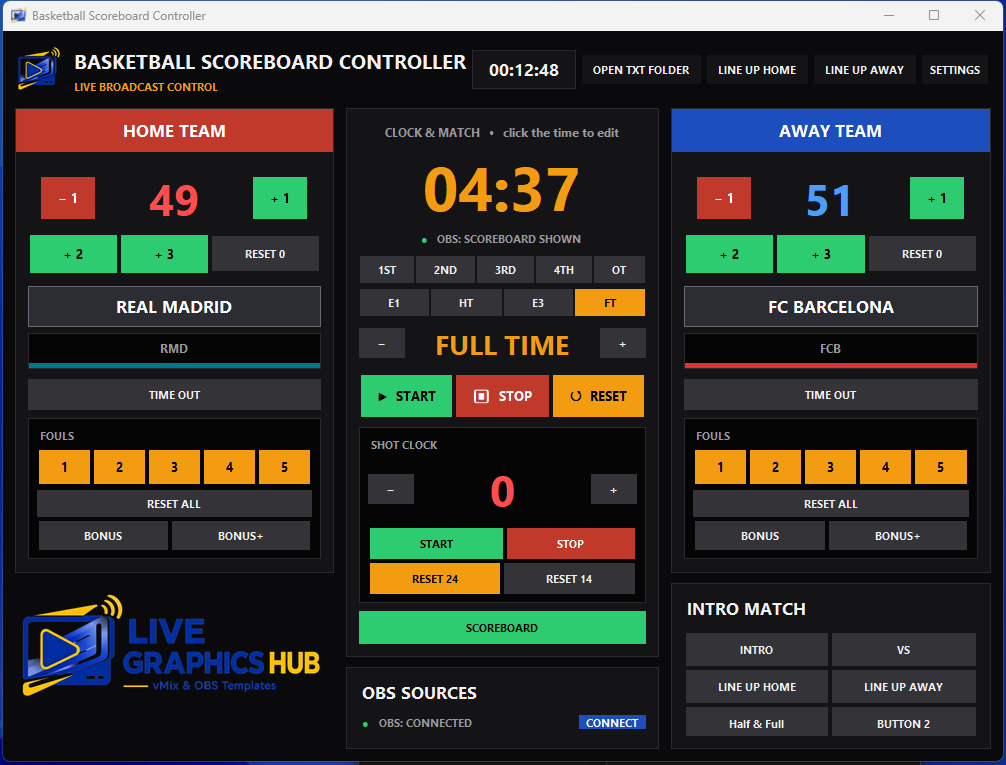
Intuitive Control Panel: A clean, easy-to-use web-based dashboard that lets you manage scores, shot clocks, team fouls, timeouts, and game periods with a single click.
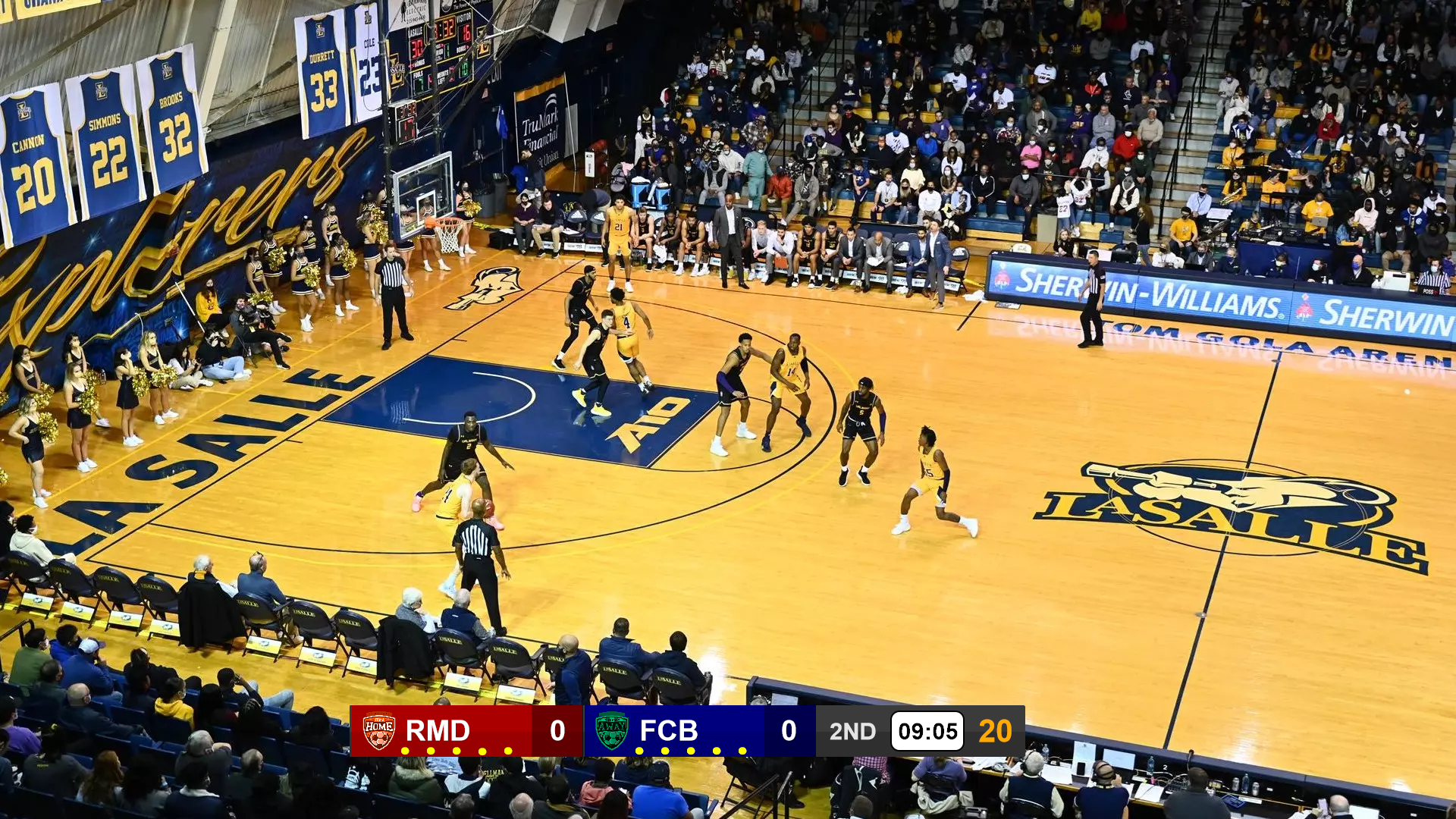
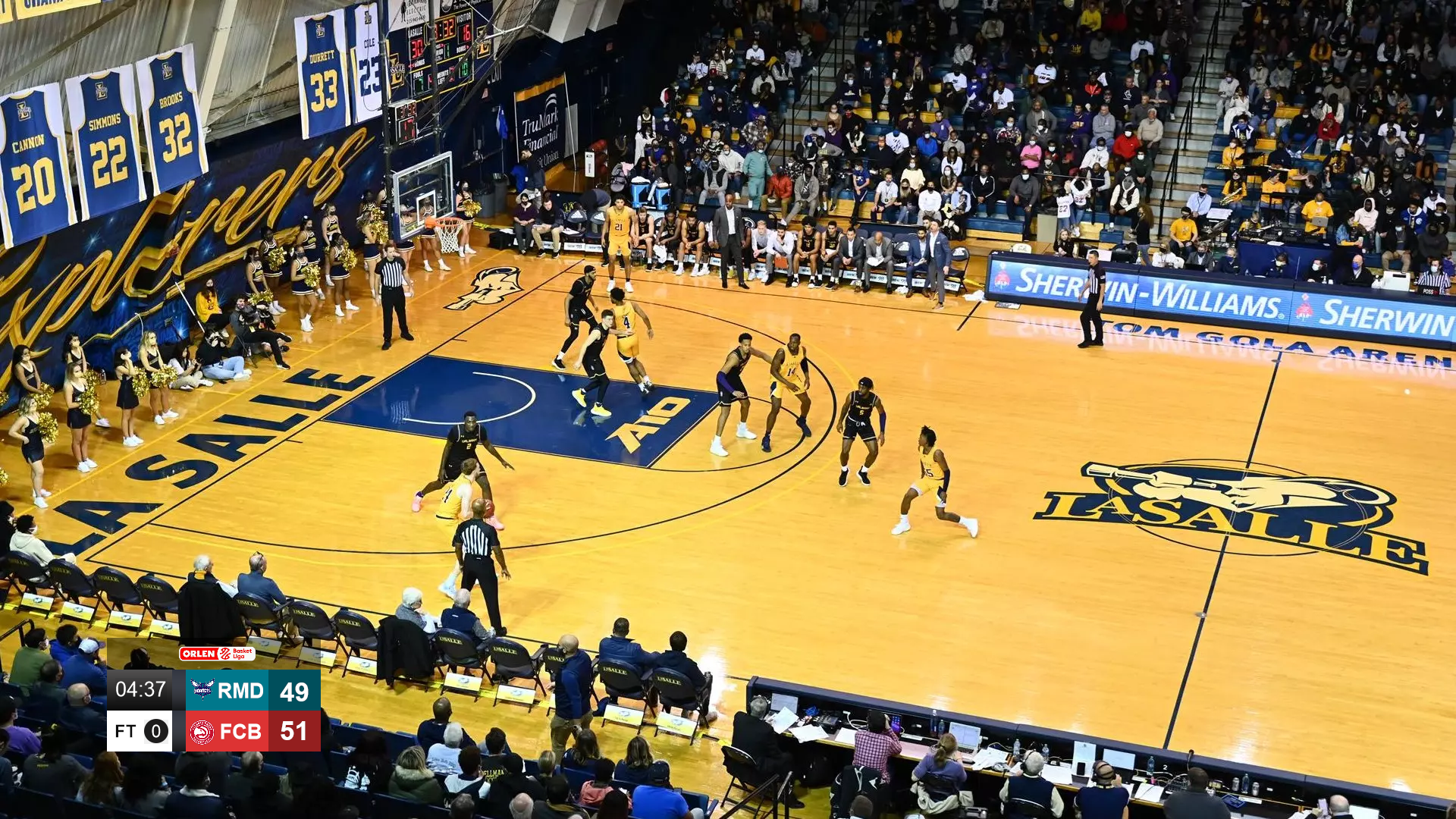
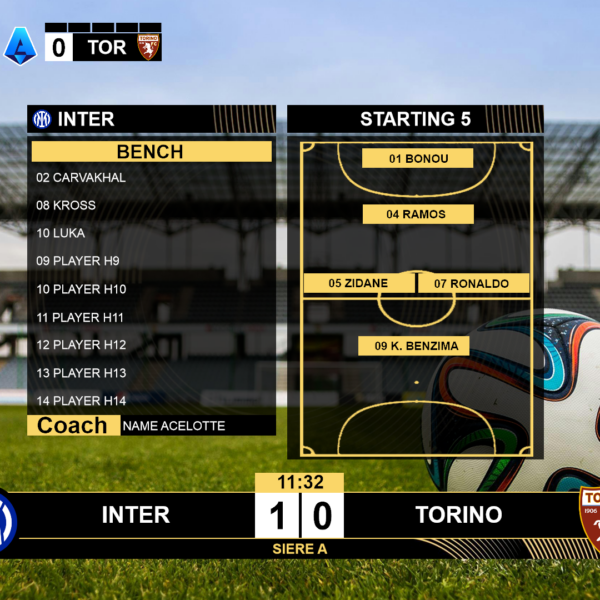
Dynamic Scorebug & Shot Clock: Modern, sleek design displaying live scores, current quarter (Q1-Q4 / OT), team logos, and the crucial 24-second shot clock clearly for viewers.
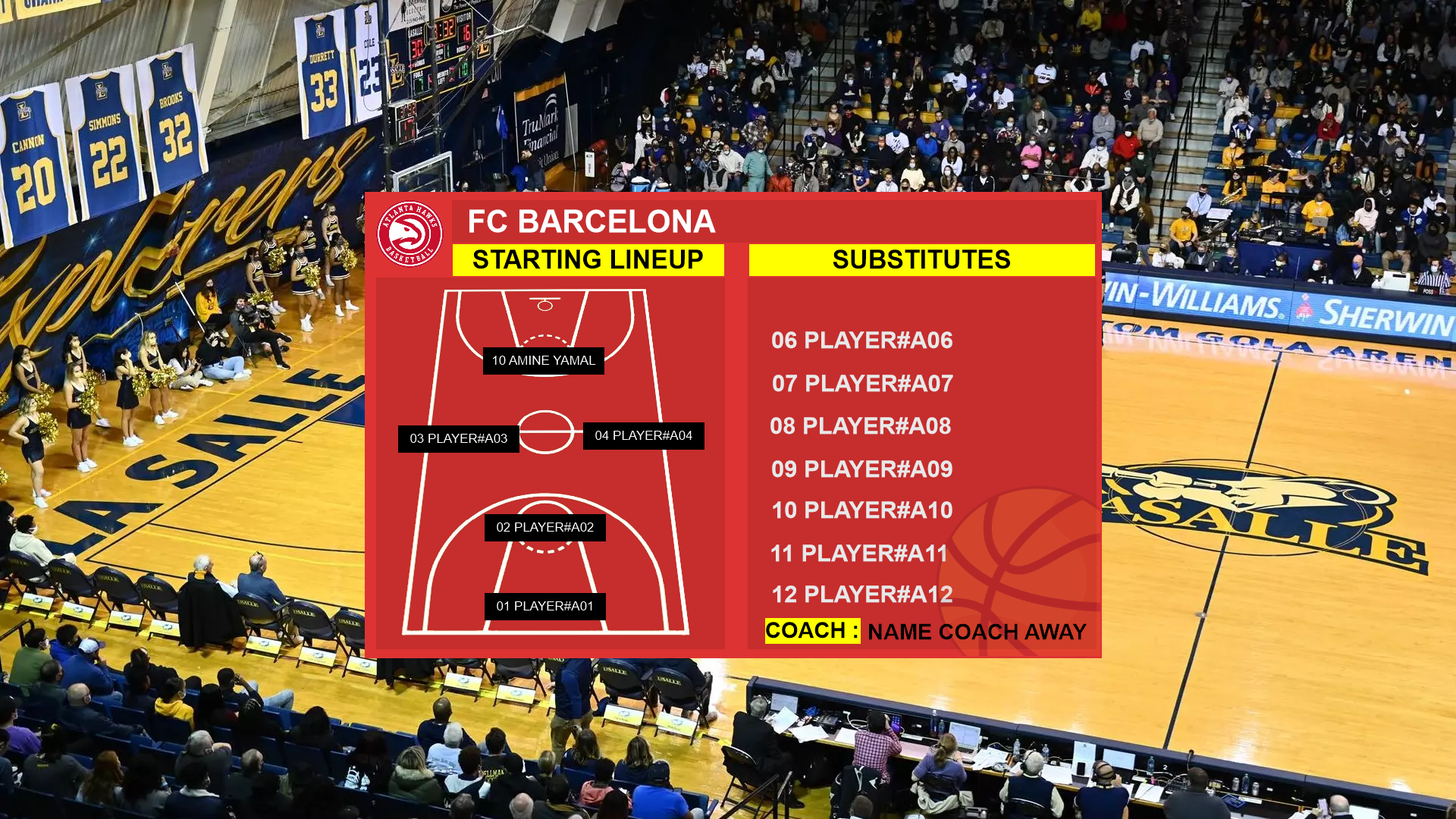
Lower Thirds & Animated Alerts: player fouls, and timeouts.
Seamless OBS Compatibility: Fully compatible with OBS Studio.
Full Customization: Easily change team colors, logos, and backgrounds to match your tournament or team branding.
What’s Included?
Interactive Control Panel dashboard interface.
Technical Requirements
Broadcasting software (OBS Studio recommended).
Local network or basic setup for the dashboard interface.
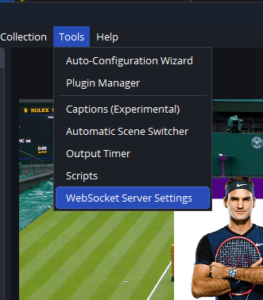
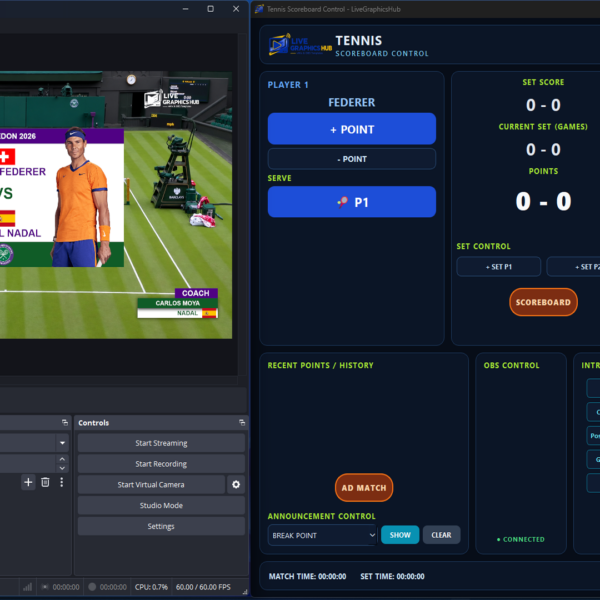
Here is the step-by-step guide to connect OBS Studio with the Tennis Controller:
1. Open WebSocket Settings in OBS From the top menu bar in OBS Studio, click on Tools and select WebSocket Server Settings.
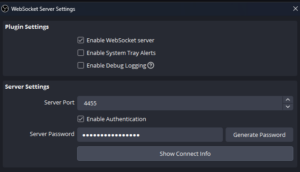
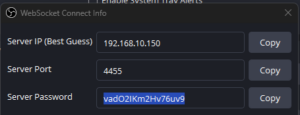
2. Enable the WebSocket Server Ensure the checkbox for Enable WebSocket server is marked, then click the Show Connect Info button to display the connection details.
3. Retrieve Connection Info & Password A pop-up window will appear showing the Server IP, Server Port (default is usually 4455), and Server Password. Copy the Server Password.
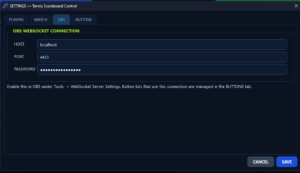
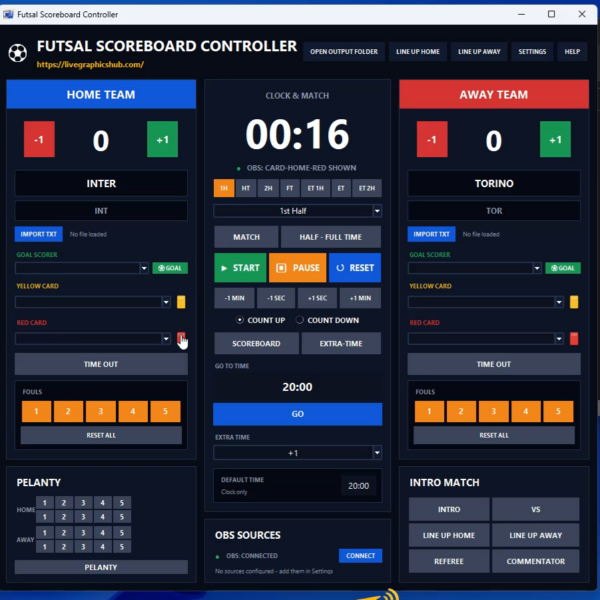
4. Access the Controller Settings Open your Scoreboard Controller application and navigate to the Settings panel.
5. Input Connection Details & Save
Locate the OBS CONNECTION section inside the settings.
Paste the copied password into the Password field.
Verify that the Port (4455) and Host (localhost) match the OBS settings.
Click SAVE to apply changes, then click CONNECT.
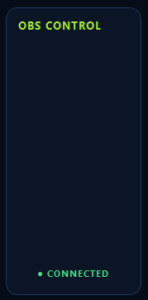
6. Verify Successful Connection The status indicator under OBS SOURCES in the controller will turn green and display OBS: CONNECTED, confirming that the panel is linked and ready to control live graphics.
Reviews
There are no reviews yet.
Be the first to review “🏀 Basketball OBS Graphics & Scorebug – Complete Control Panel” Cancel reply
Frequently Asked Questions
1. What payment methods do you accept?
We accept secure payment methods including credit/debit cards and PayPal, making it easy and convenient to purchase our digital products.
2. How do I receive my digital products?
After your payment is successfully completed, you can download your purchased files directly from your account or from the download link provided after checkout.
3. When will I receive my download?
Digital products are delivered instantly after successful payment. In some cases, it may take a few moments for your download link to become available.
4. Can I get a refund for a digital product?
Due to the nature of digital products, all sales are generally final once the files have been downloaded. However, if you experience a technical issue with your purchase, please contact our support team and we will be happy to assist you.
5. Do you provide updates and support?
Yes. We may provide updates for selected products, and our support team can assist you with installation, setup, and technical questions related to your purchased template.
Obs
Discover professional graphics and templates designed for OBS Studio. Explore overlays, lower thirds, scoreboards, transitions, and complete broadcast packs to enhance your live streams.
All products available on our website are digital products. No physical items will be shipped. After your payment has been successfully completed, your purchased files will be available for instant download from your account or through the download link provided after checkout.
Instant digital delivery
No shipping fees
No physical products will be shipped
Download your files anytime from your account
Secure and convenient digital delivery
Returns & Refunds
Due to the digital nature of our products, all sales are generally final once a product has been downloaded. We do not accept returns of digital products after download. However, if you experience a technical problem with your purchase or receive a defective or incorrect file, please contact our support team at livegraphicshub@gmail.com. We will review the issue and provide an appropriate solution, such as a replacement file or another suitable resolution.
Refund requests may be considered only in cases where the purchased product cannot be delivered or has a significant technical issue that cannot be resolved.


Reviews
There are no reviews yet.