

To check the PHP version running on your server, all you need to do is install the Display PHP Version plugin.
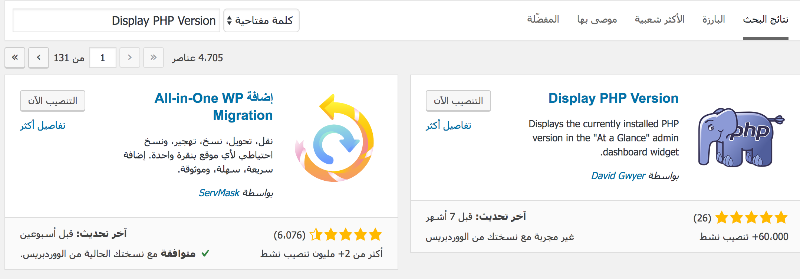
To get started, go to Plugins → Add New from your WordPress dashboard. Then search for Display PHP Version.
Click “Install Now” and then “Activate” to enable the plugin and make it ready to use on your website.
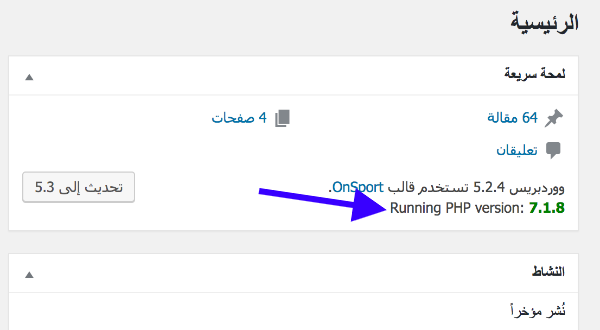
As you can see, my demo website is currently running PHP 7.1.8. The PHP version is displayed directly on the WordPress dashboard homepage.

No comment